01
SDR, HDR and theatrical Sessions.
Stream a grade to your client with VDO Sessions. Control a supported macOS or Linux suite remotely with VDO Workstation. Use the review and control paths together when the room needs both.
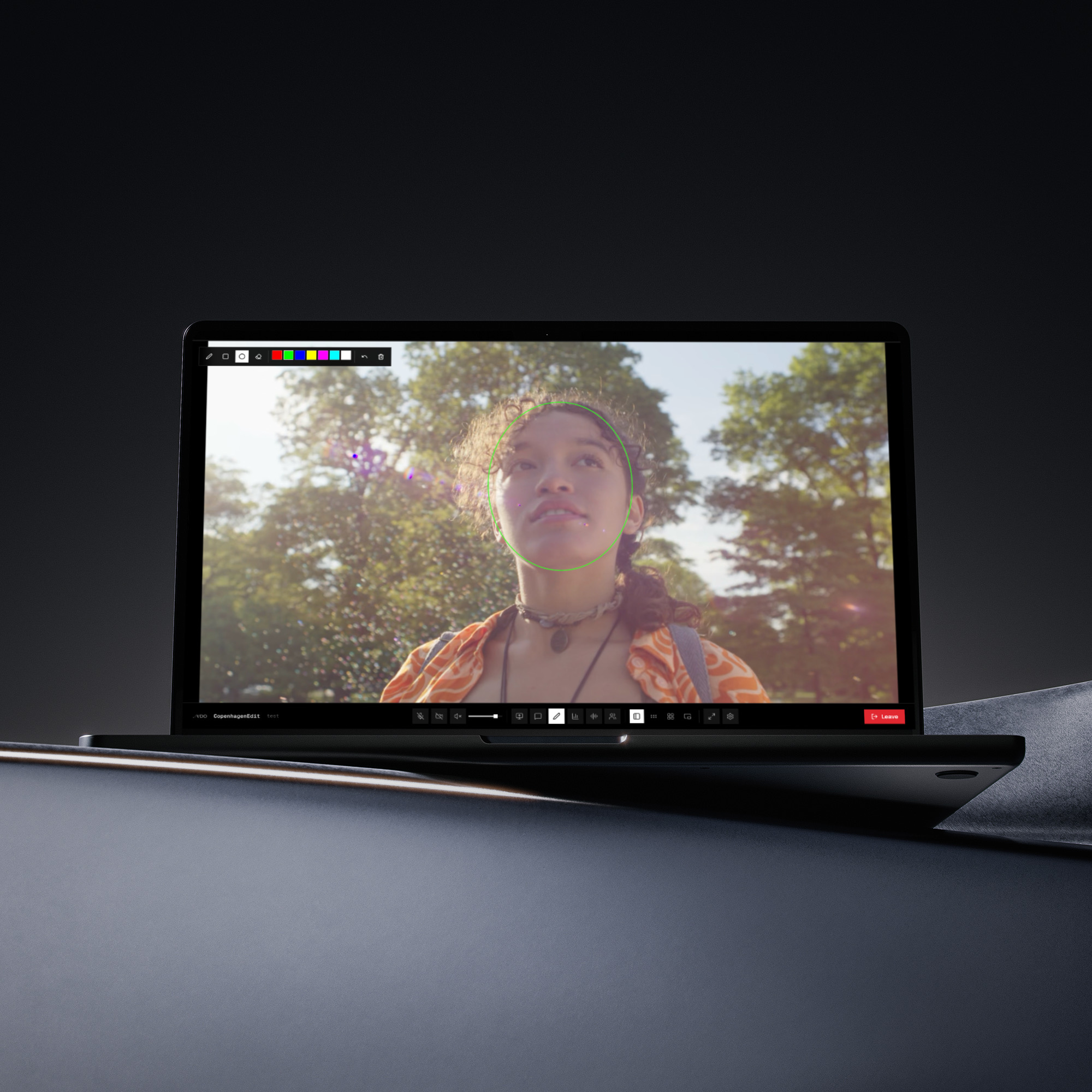
Sessions carries live picture with its colour metadata. Choose an editorial or colour room, then match the video settings to the source, playback client and display.
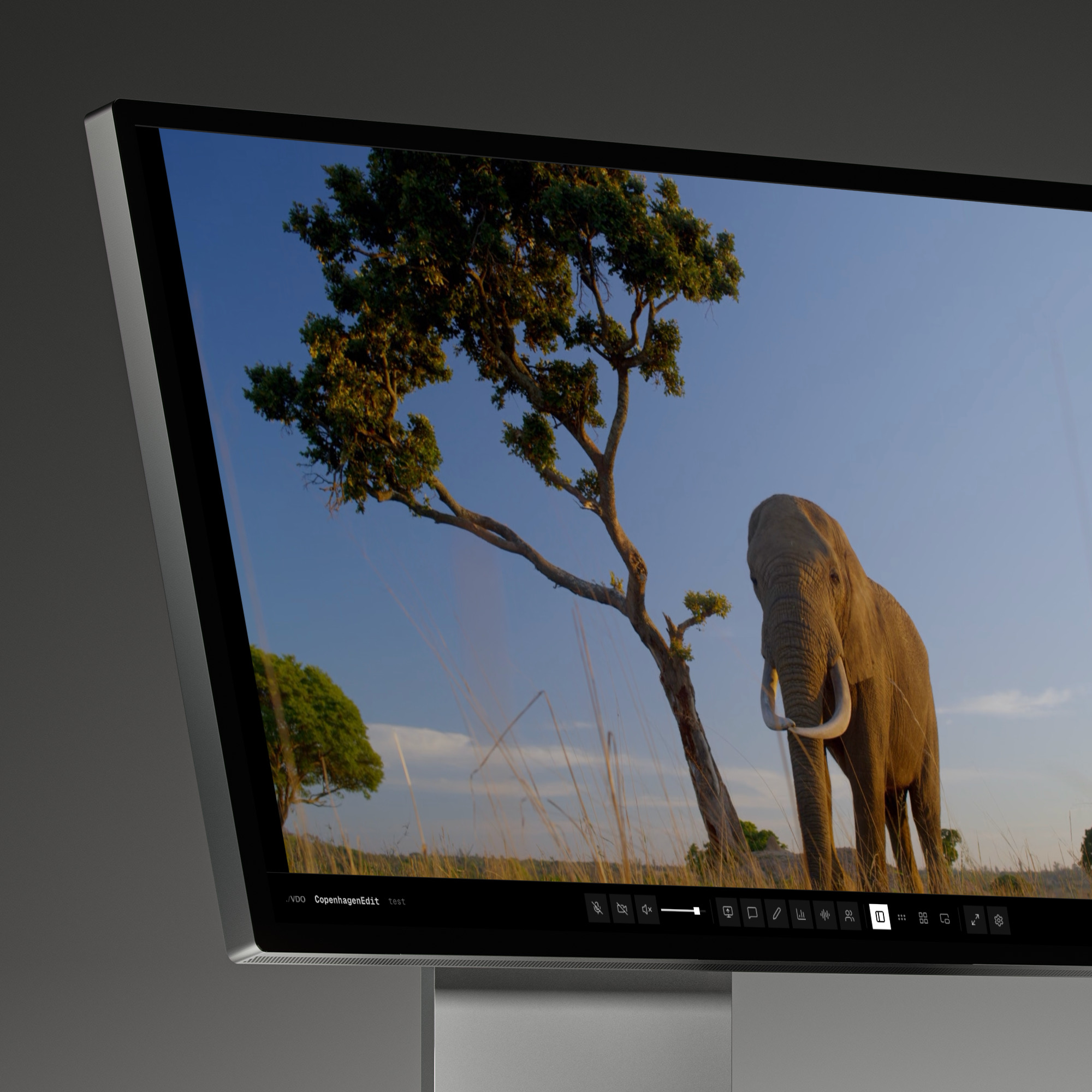
Colour and editorial rooms use different transport paths for live review. Pipeline processing contributes to latency alongside network distance, routing and the host and playback devices.
We authenticate room access and encrypt the transport for live review and suite control. VDO does not record or archive live media.*
Sessions and Workstation traffic use encrypted transports. Relay rooms authenticate access with scoped tokens and forward live media.
The Workstation agent initiates connections from the host, so you do not need to open inbound desktop ports. We discuss routing and deployment requirements with your facility.
Room links can expire or be revoked. We discuss waiting-room, SSO and fixed-region requirements during onboarding. Read security for access and media-handling details.
Keep editing, grading or painting on a supported remote host with pen pressure and tilt, two displays and 48 kHz stereo audio. macOS carries Display P3; Linux 4:4:4 uses supported NVIDIA GPU paths. Read the full breakdown.
Run multiple HD or UHD review feeds from your own Linux workstation with a supported NVIDIA or Intel GPU. Facility Streamer feeds VDO Sessions; we discuss stream counts, sources and hardware requirements during onboarding.
Read moreAn OpenFX plugin for DaVinci Resolve that emits a colour-tagged NDI source from your timeline. Feed it into Sessions or another NDI consumer. Ask us about access for your team.
Read more