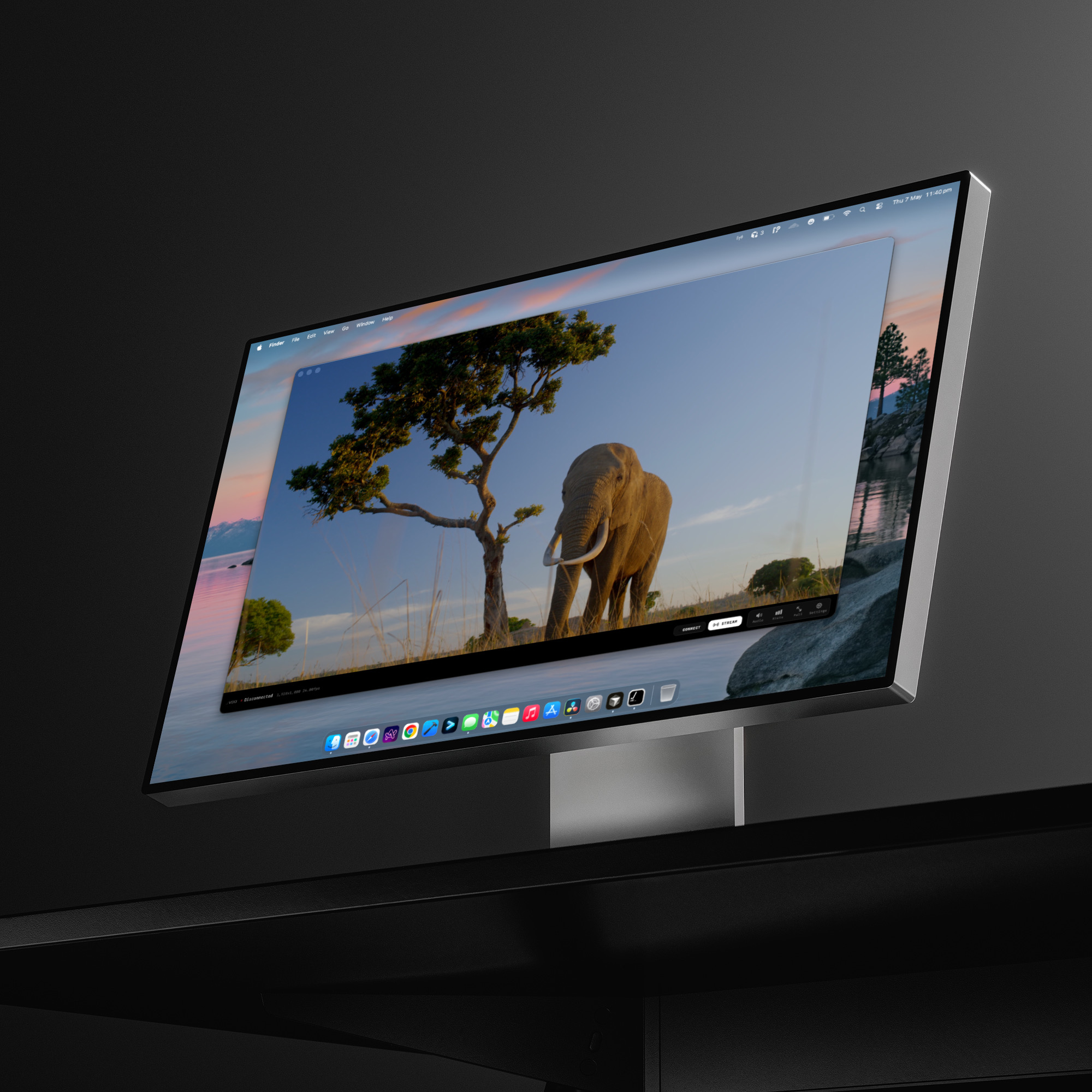
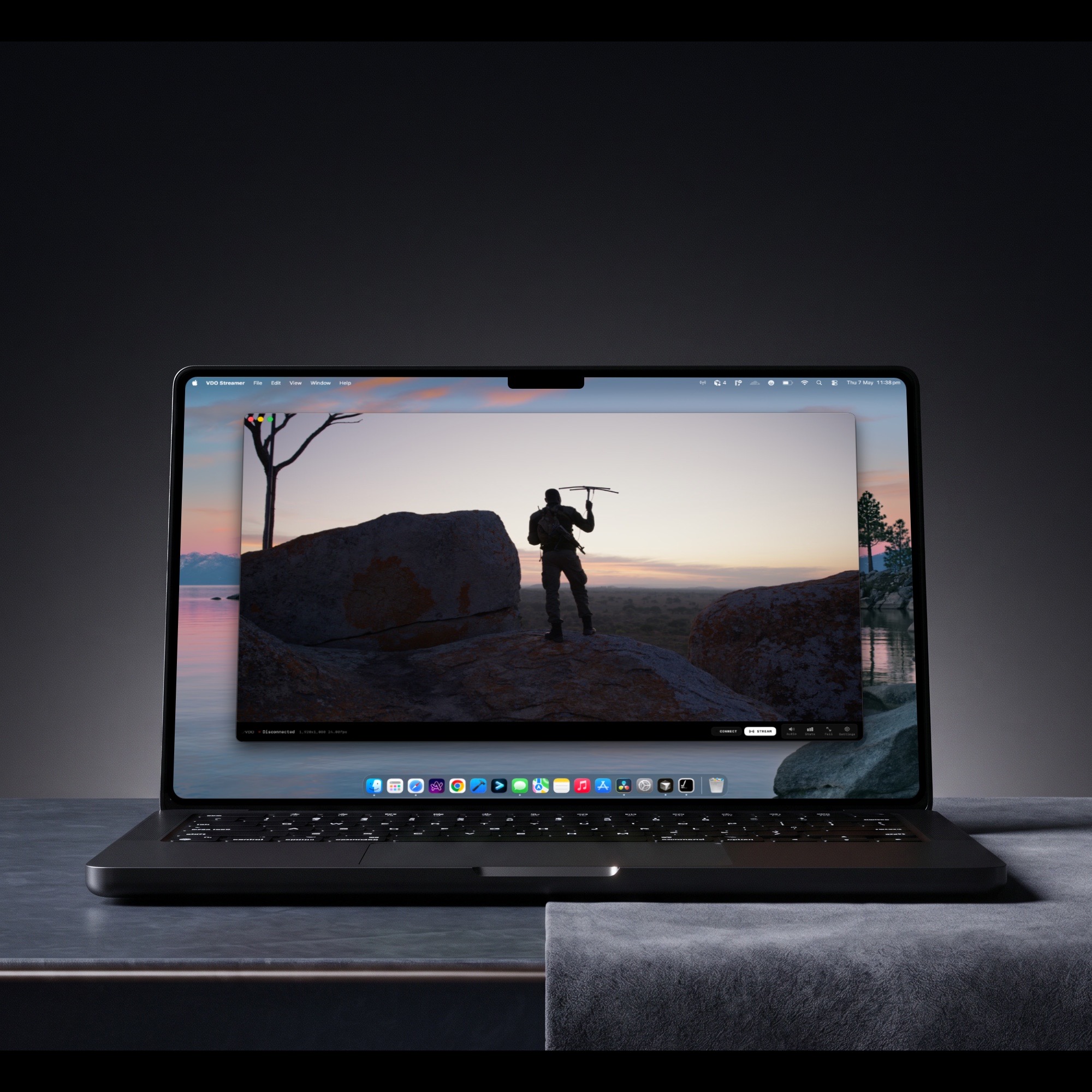
Multi-stream,
self-hosted.
Software you install on a Linux workstation with an Nvidia GPU. Run up to four HD or UHD streams from a single box, all colour-managed end to end through the VDO pipeline. Bring your own hardware — we publish minimum and recommended specs per stream count.

A streaming server
for facilities.
Facility Streamer is software, not a box. You bring a Linux workstation with an Nvidia GPU. We publish the spec sheets you’ll need. The streamer runs on your metal, in your rack, on your network — same VDO pipeline, your infrastructure.
- 01Multi-channel: up to four concurrent streams from one box.
- 02HD or UHD per channel; published spec sheets per tier.
- 03Hardware encode on Nvidia NVENC where available.
- 04End-to-end colour-managed; same as cloud Sessions.
- 05Sold as an add-on to your Sessions licence.

Four steps.
From rack to viewer.
- 01Install the streamer on your Linux + Nvidia workstation.
- 02Register the host against your Sessions licence.
- 03Configure 1–4 channels per host (HD or UHD).
- 04Each channel becomes a Sessions origin. Same colour pipeline as cloud Sessions.
For 1–4 HD streams.
— Notes.All specs assume a single host with no other workload. Both columns target stable 10-bit 4:4:4 encode at full HD. Network bandwidth scales linearly with stream count; figures shown are for the full four-stream configuration.
For 1–4 UHD streams.
— A word on tuning.UHD multi-stream is GPU-bound on the encoder side and memory-bandwidth-bound on the host. The recommended column is what we run for our own internal four-stream UHD test rigs. We’re happy to walk through your build before you buy — talk to us.
Things you’ll
need to know.
Five questions every facility asks before greenlighting a self-hosted streamer build. Plain answers, sized to the spec tables above.
- Can I mix HD and UHD on one host?Yes. Sum the per-stream cost; we’ll help size the build before you buy.
- Is GPU choice flexible?Nvidia only — we lean on NVENC for encode and CUDA for the colour pipeline.
- How does it license?Add-on to your Sessions licence; per-host registration, revocable from the dashboard.
- Can it run alongside other workloads?It can. The spec sheets above assume a dedicated host; mixed workloads need headroom on top.
- What network do I need?Bandwidth scales linearly with stream count and resolution. See the spec tables for symmetric link recommendations.
- On-prem only, or hybrid?Hybrid by default — self-hosted streamers register against your cloud Sessions team. Air-gapped on request.
An add-on
to Sessions.
Facility Streamer plugs into your existing Sessions licence. Same accounts, same dashboard, same colour pipeline — your rack handles the encode.
One licence, two surfaces.
Self-hosted streamers register against your Sessions team. No separate billing, no separate identity. The dashboard treats them as just another origin.
10-bit colour-managed.
The streamer uses the same VDO pipeline as cloud Sessions: Rec.709 / P3 / Rec.2020, PQ and HLG signalled, lossless multi-channel audio. Same colour, your hardware.
Firewall stays closed.
The streamer reaches out; nothing reaches in. No port forwarding, no inbound ACLs to manage. Optional region pinning and IP allow-lists for tighter postures.
1–4 channels per box.
Run one stream on a modest workstation, or four UHD channels on a beefier rig. Add hosts to scale; we’ll help size the build for your facility.